
Introduction
The MacBook Pro has developed into more than just a professional’s tool; it is becoming a compelling option for gamers who seek quality experiences. Each new iteration brings advancements that enhance gaming capabilities. This article will explore the MacBook Pro’s potential in gaming by examining its hardware specifications, game performance benchmarks, software optimization, user experiences, and recommended accessories to maximize your gaming setup.
Understanding the Hardware: MacBook Pro Specifications
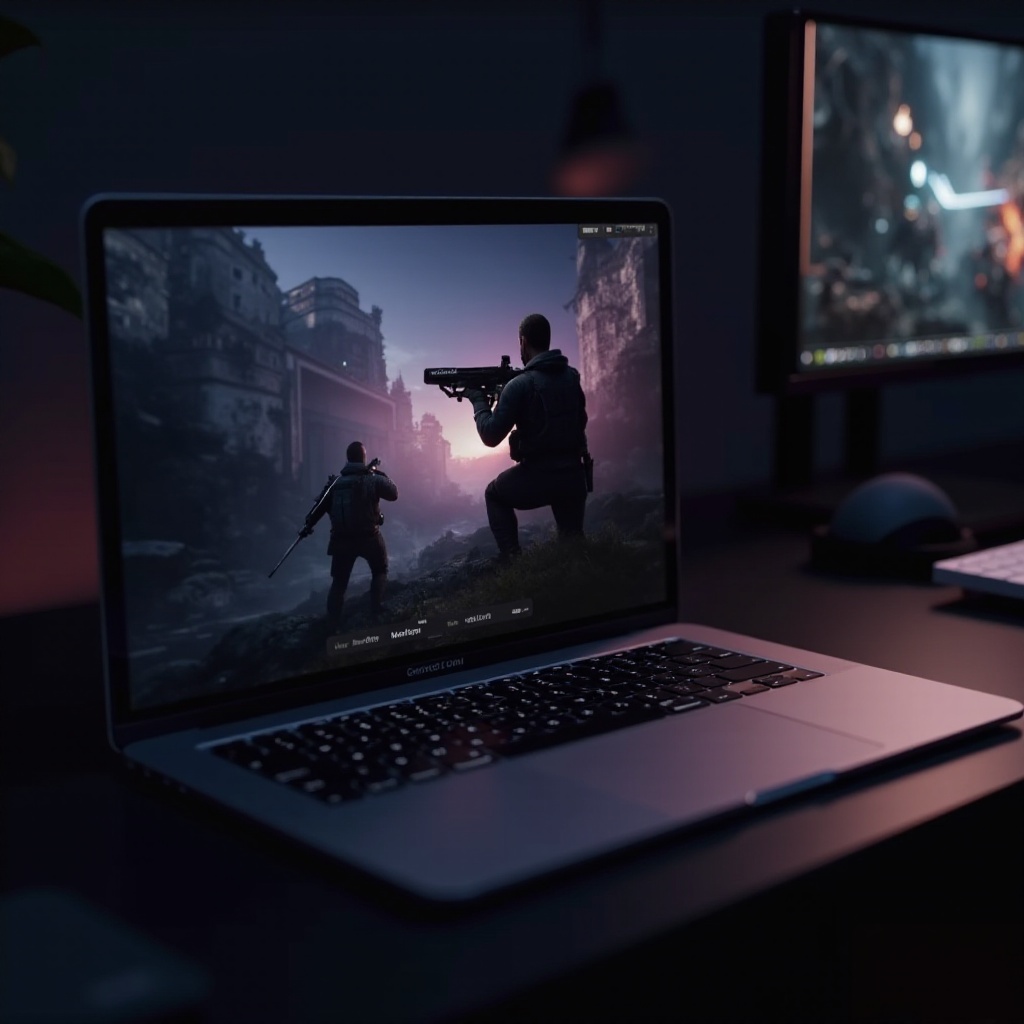
The hardware under the hood of the latest MacBook Pro models is a game changer. Apple’s M-Series chipsets, especially the M2 Pro and M2 Max, significantly boost processing power and graphics performance. These advancements substantially alter gaming experiences when compared to older models. Moreover, the Retina display offers remarkable graphics with high refresh rates, providing smoother gameplay. Collectively, these features position the MacBook Pro competitively among gaming laptops.
Transitioning from hardware, we move to the practical performance of these specifications in real gaming environments. Just what can you expect when you fire up your favorite games?
Benchmarking Game Performance on the MacBook Pro
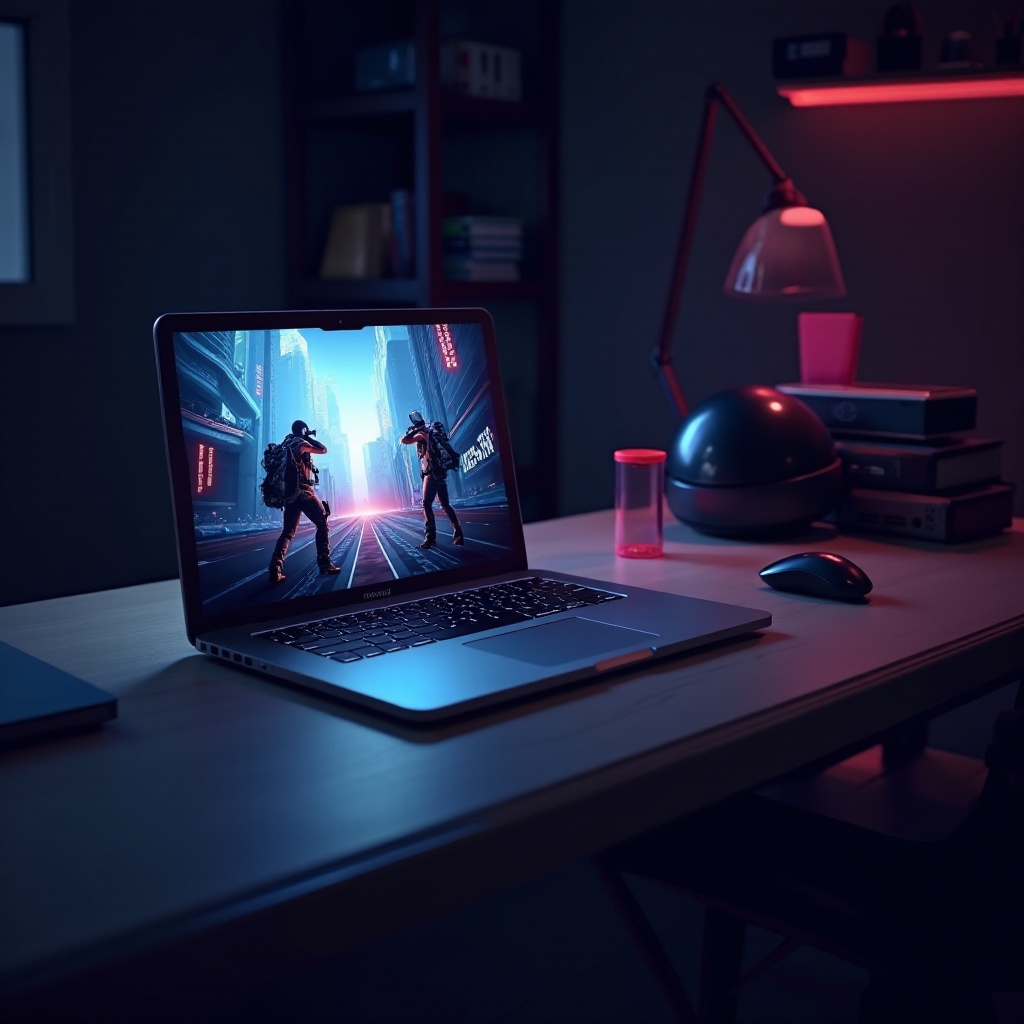
Performance benchmarks provide critical insights into the gaming capabilities of the MacBook Pro. Using games such as ‘Borderlands 3’ and ‘Shadow of the Tomb Raider,’ we analyze FPS rates and graphic detail precision. The MacBook Pro generally maintains stable frame rates, showcasing its power to deliver quality graphics. But, as game sessions lengthen, the device’s cooling system is put to the test — an area where Apple has made improvements to handle thermal management efficiently, ensuring stable performance with minimal throttling.
Connecting hardware capabilities to real-world applications, let’s consider how software environments and configurations play a role in the overall gaming experience.
Software Considerations for Gaming on MacBook Pro
The software ecosystem is crucial to gaming experience on a MacBook Pro. While macOS supports a robust set of applications, its game library pales in comparison to Windows. However, solutions such as Boot Camp and virtualization tools like Parallels make it possible to run Windows-exclusive games, broadening your gaming scope on Mac. Concurrently, optimizing gaming settings — such as reducing graphics quality and toggling resolution — can bolster performance. Keeping your games and macOS updated is vital for ensuring compatibility and performance.
Building on gaming possibilities, the community of gamers on MacBook Pro provides valuable insights into actual user experiences and common solutions.
User Experiences and Gaming Community Insights
Experiences shared by MacBook Pro gamers offer a window into the device’s real-world performance. Many users applaud the high-resolution display and its portability — key factors for gaming anywhere. Nonetheless, players have reported challenges like compatibility glitches and sporadic lagging. The active gaming community on Mac platforms often collaborates to overcome these hurdles, sharing mods and optimizations that enhance playability and performance, creating a supportive ecosystem for gamers.
Building a supportive environment isn’t just about sharing experiences, but also about having the right tools. Here, accessories can amplify gaming potential.
Accessories to Enhance Gaming on MacBook Pro
Enhancing your gaming setup involves integrating suitable accessories. Recommended enhancements include:
- An external GPU can significantly boost graphics capabilities for demanding games.
- Using gaming-optimized mice and keyboards designed for durability and precision can improve your control and comfort.
- Ensuring a robust internet connection with reliable Ethernet adapters or routers optimizes online gameplay.
These accessories can greatly amplify your MacBook Pro’s gaming performance, making competitive gaming more enjoyable and efficient.
Conclusion
In conclusion, the MacBook Pro emerges as a compelling option for gaming, empowered by its powerful hardware and stunning Retina display. While it may not completely eclipse dedicated gaming laptops, it offers an exceptional balance for gamers prioritizing an all-purpose machine. Thanks to a thriving community and Apple’s consistent technological advancements, the outlook for gaming on MacBook Pros is not just hopeful but exciting.
Frequently Asked Questions
Can you play high-end games on a MacBook Pro?
Yes, particularly with the newer M-Series chips, which support many high-end games, although some games may require setting adjustments for smoother performance.
What are the best settings for gaming on a MacBook Pro?
Adjust the in-game settings like lowering resolution and graphics quality for better performance. Using Boot Camp or Parallels can also widen the gaming possibilities.
How can I improve gaming performance on my MacBook Pro?
To enhance performance, consider adding an external GPU, regularly updating your software, and using cooling pads to manage temperatures during extended play sessions.