Introduction
Unexpected PlayStation shutdowns can ruin a perfectly enjoyable gaming session and cause considerable frustration. To ensure uninterrupted gaming, it’s critical to get to the root of these random shutdowns. This guide delves into the reasons why your PS might be powering off and offers practical solutions along with preventative tips to help maintain smooth gameplay.
Common Causes of PlayStation Shutdowns
Understanding the cause of any issue is the first step toward solving it. Several factors can lead to the unexpected shutdown of your PlayStation.
-
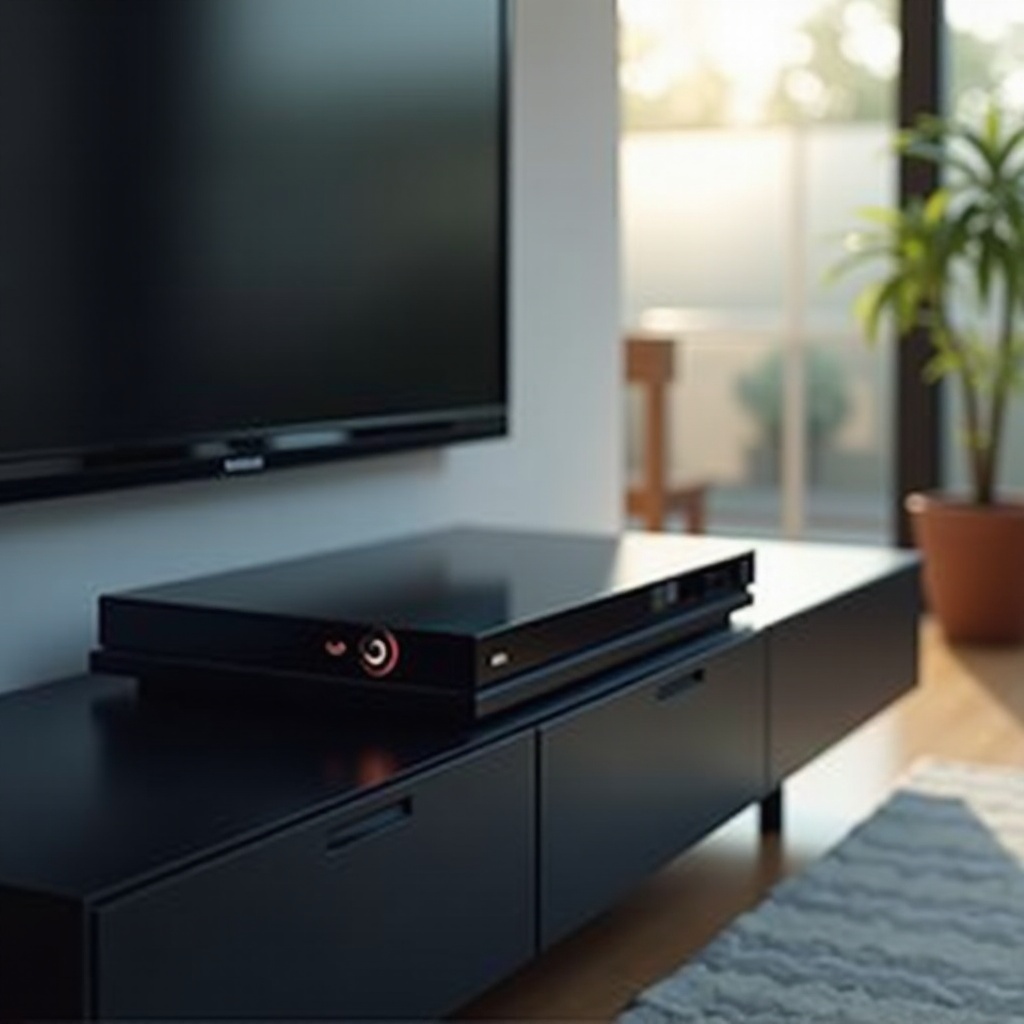
Overheating Issues: The console’s design includes a safety feature to power down when its internal temperature exceeds safe limits. This overheating can result from inadequate ventilation or a buildup of dust.
-
Power Supply Problems: A compromised power supply, whether it’s the cable itself or the outlet providing power, can interrupt the console’s function.
-
Software and Firmware Glitches: Using outdated software or corrupt system files can lead to inconsistencies in performance, causing the system to shut down unexpectedly.
-
Hardware Failures: Malfunctions in internal components such as the hard drive or cooling fans can lead to critical failures, culminating in a system shutdown.
Understanding these causes is essential for diagnosing the issue accurately.
Diagnosing the Problem
Identifying the specific issue afflicting your PlayStation requires a systematic approach. Here’s how to pinpoint the problem:
-
Check for Overheating: Place the console in a well-ventilated area and inspect for dust around the air vents. If the console is unusually hot to the touch, overheating could be the culprit.
-
Update Software: Navigate through settings to ‘System Software Update’ and ensure your console’s software is up to date. Outdated software can cause random shutdowns.
-
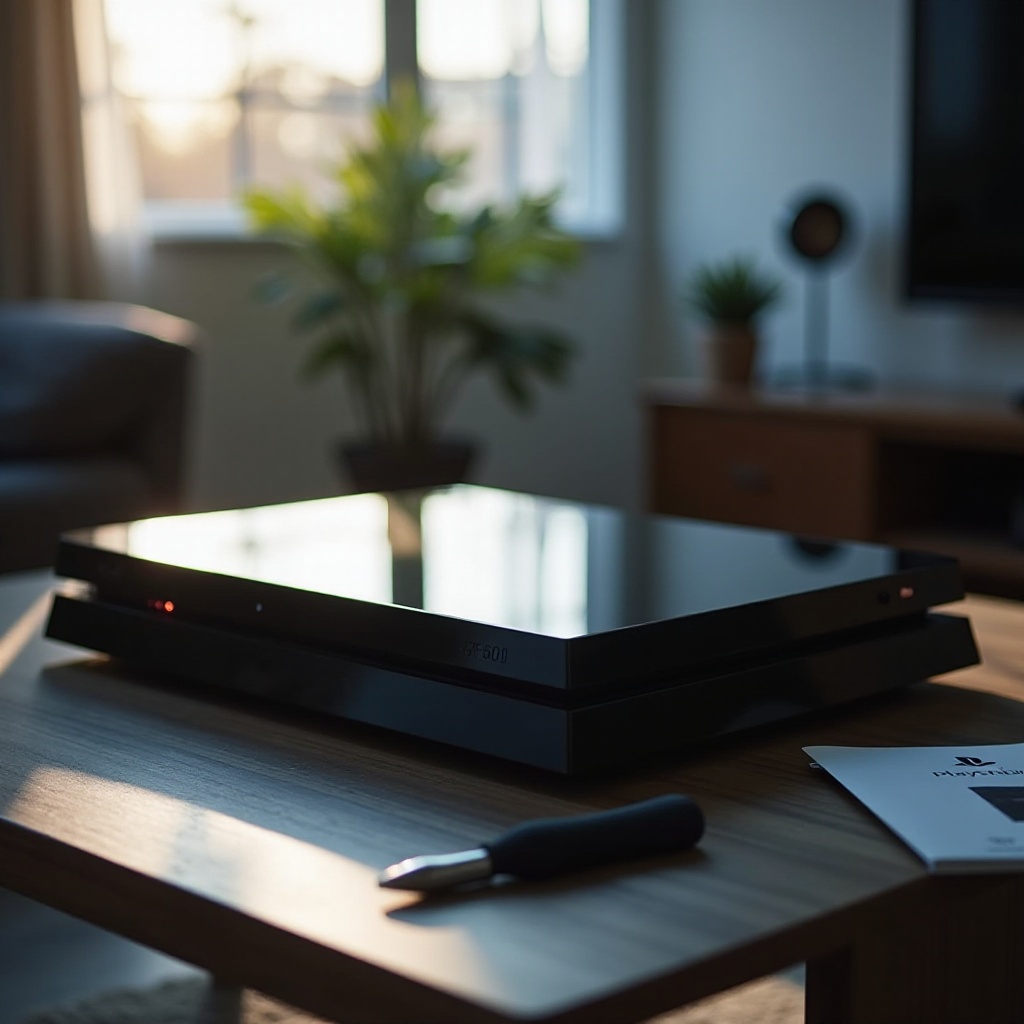
Inspect Hardware Components: If you’re experienced in handling electronics, carefully open the console to check for visible signs of damage to integral components like the cooling fans.
With a clear diagnosis, you can effectively address the root of the problem.
Fixes and Solutions
Once you’ve identified the cause, implementing the right solution is crucial. Here are some strategies:
- Address Overheating:
- Ensure the PlayStation is placed in an area with sufficient airflow.
-
Regularly use compressed air to clear dust from air vents, preventing overheating due to blocked airflow.
-
Update Software and Firmware:
- Regular updates rectify software glitches. Navigate to ‘System Software Update’ and ensure your PlayStation is always running on the latest version.
-
If issues persist, consider a factory reset or reinstalling the system software.
-
Resolve Power Supply Issues:
- Inspect and replace any frayed or damaged power cables.
- Try connecting the console to a stable power outlet known to provide consistent electricity.
These solutions should drastically reduce system shutdowns, leading to more stable operation.
Preventive Measures
Preventive maintenance should become routine to keep your console in peak condition.
- Regular Maintenance:
- Incorporate regular cleaning of the console and its environment every week to prevent dust build-up.
-
Avoid placing the console on surfaces like carpets that can trap heat.
-
Optimal Console Placement:
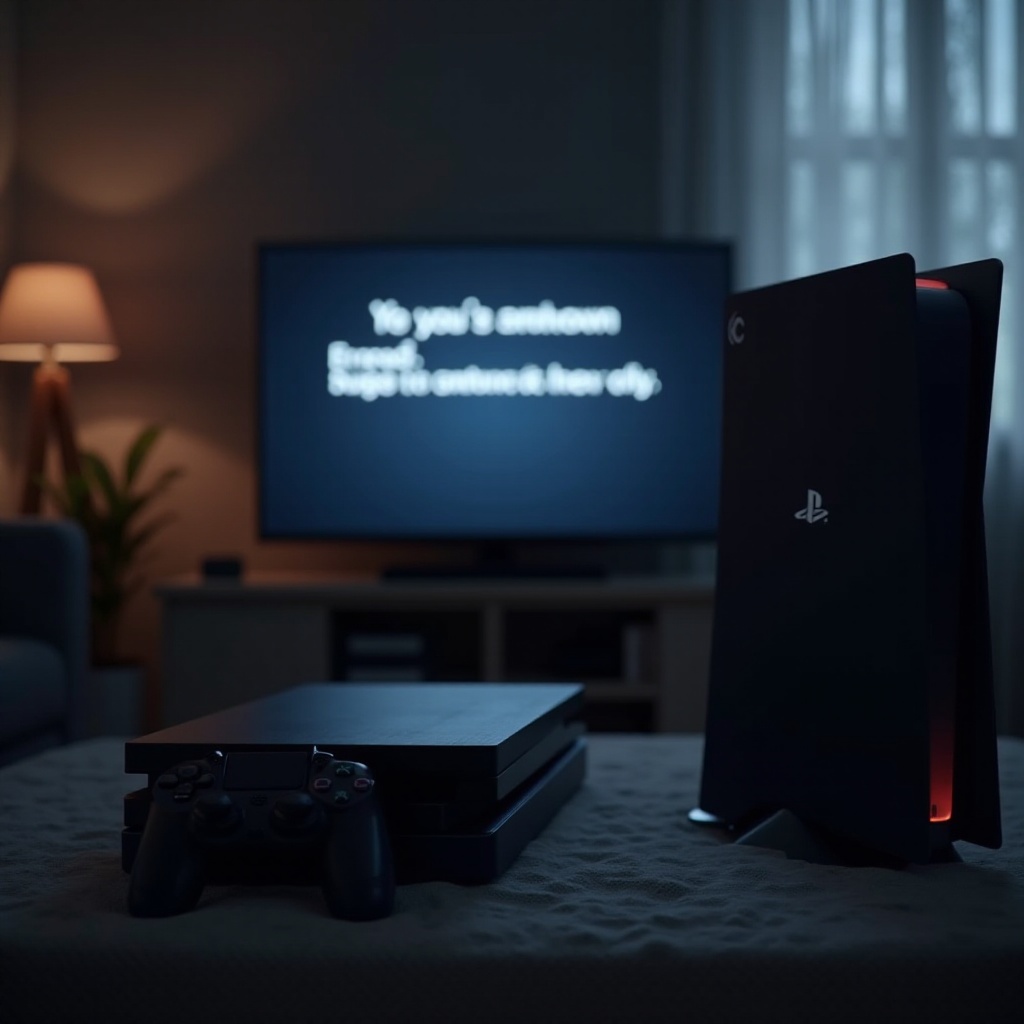
- Position the console vertically if space permits, to enhance cooling.
-
Ensure the console is not exposed to direct sunlight or situated close to other heat sources.
-
Enable Auto-Updates:
- Turning on automatic updates ensures your console’s software is always up-to-date, reducing the risk of software-induced shutdowns.
Practicing these preventive tips will help ensure the longevity and efficiency of your PlayStation.
Conclusion
Addressing PlayStation shutdowns involves understanding the root cause and implementing the right fixes. Regular maintenance and monitoring are key to preventing these disruptions. By recognizing early signs and applying consistent solutions, you can enjoy a seamless gaming experience.
Frequently Asked Questions
How Can I Prevent My PlayStation From Overheating?
Keep it in a well-ventilated area, away from heat sources, and clean the vents regularly to avoid dust buildup.
What Should I Do If My PlayStation Still Turns Off After Trying These Fixes?
If you’ve tried all these solutions, it’s wise to contact Sony support for professional assistance or consider repair services.
Is it Worth Repairing an Older PlayStation Console?
Consider repair costs versus investing in a new console. Sometimes, repairs can be more economical, depending on the console’s age and condition.