
Introduction
5G technology is changing how we use mobile devices, offering blazing fast speeds and more reliable connections. This article will walk you through determining if your phone is 5G-ready and how to activate this advanced network. By following these steps, you can fully utilize the advantages of 5G, giving you an enhanced mobile experience. Let’s explore how to enable 5G on your phone.
Understanding 5G Technology
5G, the fifth generation of wireless technology, is engineered to deliver remarkable speed and efficiency. With 5G, you can experience much faster download and upload speeds, minimal latency, and improved overall connectivity compared to 4G. It’s especially advantageous for streaming high-definition videos, real-time video calls, and online gaming. Additionally, 5G can handle more connected devices at once, reducing slow-downs in busy areas.
Knowing these features will help you appreciate why upgrading to 5G is essential. Let’s check if your device supports 5G and how you can activate it.
Checking Device Compatibility
Before accessing 5G, confirm that your smartphone is compatible. Here’s what to do:
-
Inspect Device Specs: Read your phone’s specifications online or in its manual to find out if it supports 5G.
-
Settings Verification:
- For iPhone users: Navigate to Settings > Cellular > Cellular Data Options. If a 5G option is present, your phone is compatible.
-
For Android users: Head to Settings > Network & Internet > Mobile Network. A 5G option indicates compatibility.
-
Top 5G Phones of 2024: Most new models are 5G-capable, especially those released recently. If your device is up-to-date, it likely supports 5G.
Once you’ve confirmed your device supports 5G, enabling it is the next step to take advantage of this technology.
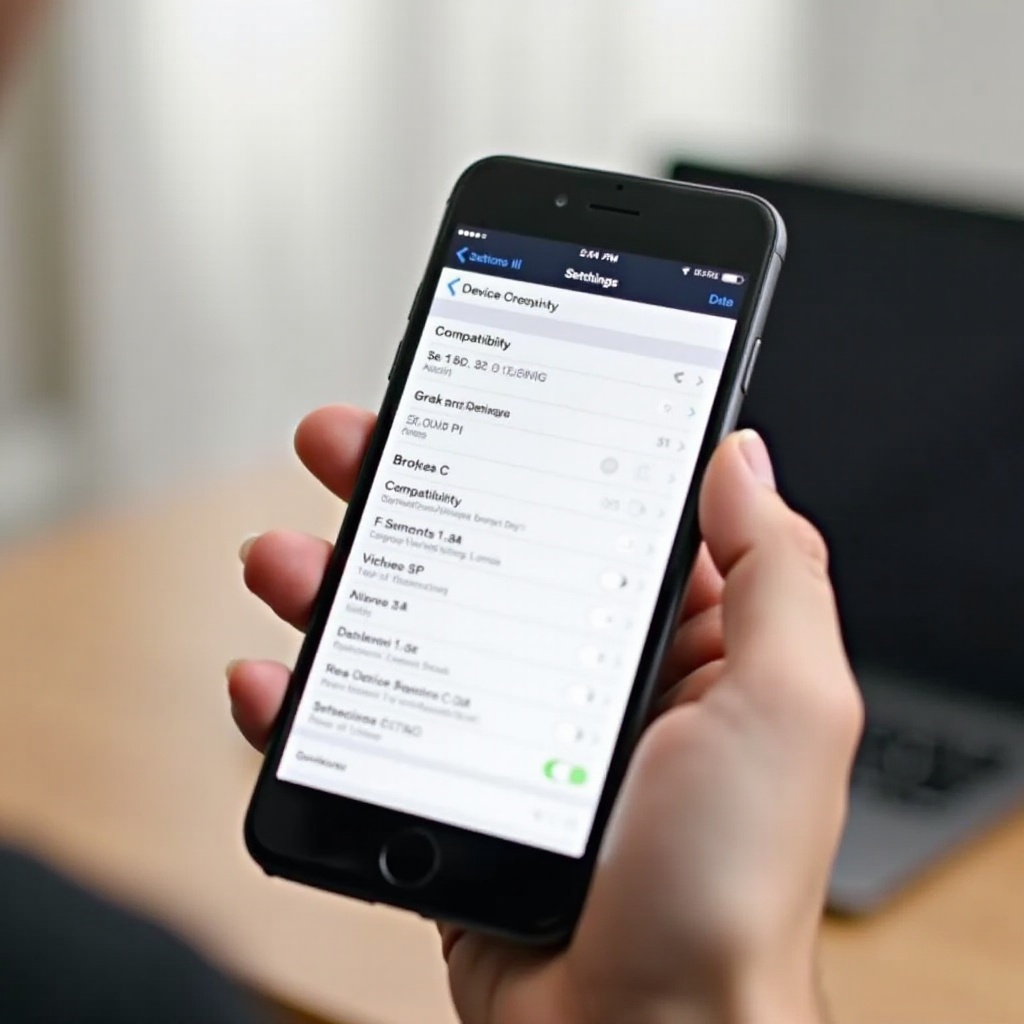
Activating 5G on Your Smartphone
To activate 5G on your smartphone, follow these straightforward instructions upon confirming compatibility:
- iOS Devices:
- Open Settings.
- Tap Cellular.
- Go to Cellular Data Options.
- Select Voice & Data.
-
Choose 5G Auto.
-
Android Devices:
- Access Settings.
- Select Network & Internet.
- Tap Mobile Network.
- Select Preferred network type.
- Choose 5G.
Your phone will now connect to 5G networks when available, offering a smoother and faster internet experience.
Exploring 5G Network Providers
After making your phone 5G-ready, ensure your mobile plan includes 5G support. Most leading carriers in 2024 provide multiple options:
-
Carrier Options: Large carriers like Verizon, AT&T, and T-Mobile offer extensive 5G networks.
-
Plan Comparisons:
- Look for plans with clear 5G access.
- Compare pricing and data limits.
- Consider any additional services or perks offered with the plan.
The right carrier plan will ensure you experience all the benefits of 5G.
Troubleshooting Common 5G Issues
Experiencing issues after activating 5G can be frustrating. Here are common problems and solutions:
-
Weak Signal: Make sure there is adequate 5G network coverage in your area, referencing carrier maps as needed.
-
Congestion Problems: Slow speeds can occur at times of high network usage, try reconnecting after a few moments.
-
Settings Conflicts: Double-check your phone settings to ensure 5G is not mistakenly turned off.
-
Reboot Solution: A simple restart of your device can often improve connectivity.
Addressing these issues promptly will help maximize your 5G utilization.
Optimizing Your 5G Experience
To fully benefit from 5G, consider these optimization tips:
-
Application Efficiency: Make use of fast data apps like HD streaming services and low-latency gaming platforms to fully explore 5G capabilities.
-
Battery Management: Monitor battery usage carefully, as 5G can be more power-intensive. Adjust settings accordingly for optimal balance.
By incorporating these strategies, you can enhance your phone’s capabilities, ensuring seamless 5G connectivity.
Conclusion
Activating 5G on your smartphone opens a world of possibilities, delivering incredibly fast speeds and low latency for a superior mobile experience. By confirming compatibility, enabling the network, and selecting the best carrier plan, you stand to gain from this transformative tech. Enjoy a smarter, faster mobile use.
Frequently Asked Questions
Can I get 5G on any smartphone?
Not all smartphones support 5G. Check your device specifications or consult your carrier to confirm compatibility.
Does using 5G drain my phone battery faster?
Yes, 5G can drain the battery a bit faster. It’s advisable to adjust settings for optimal performance and power usage.
What should I do if my area doesn’t have 5G coverage yet?
If 5G service is unavailable in your area, consider waiting for service expansion, and keep your device updated for future connectivity.