Introduction
Music lovers and audiophiles often desire a powerful bass to fully immerse themselves in their favorite tracks. Beats headphones, celebrated for their bass-forward sound, can still be fine-tuned for an even more vibrant experience. This guide will walk you through optimizing the bass on your Beats headphones using various adjustments and tools, setting the stage for a superior listening adventure.
Understanding Beats Headphones
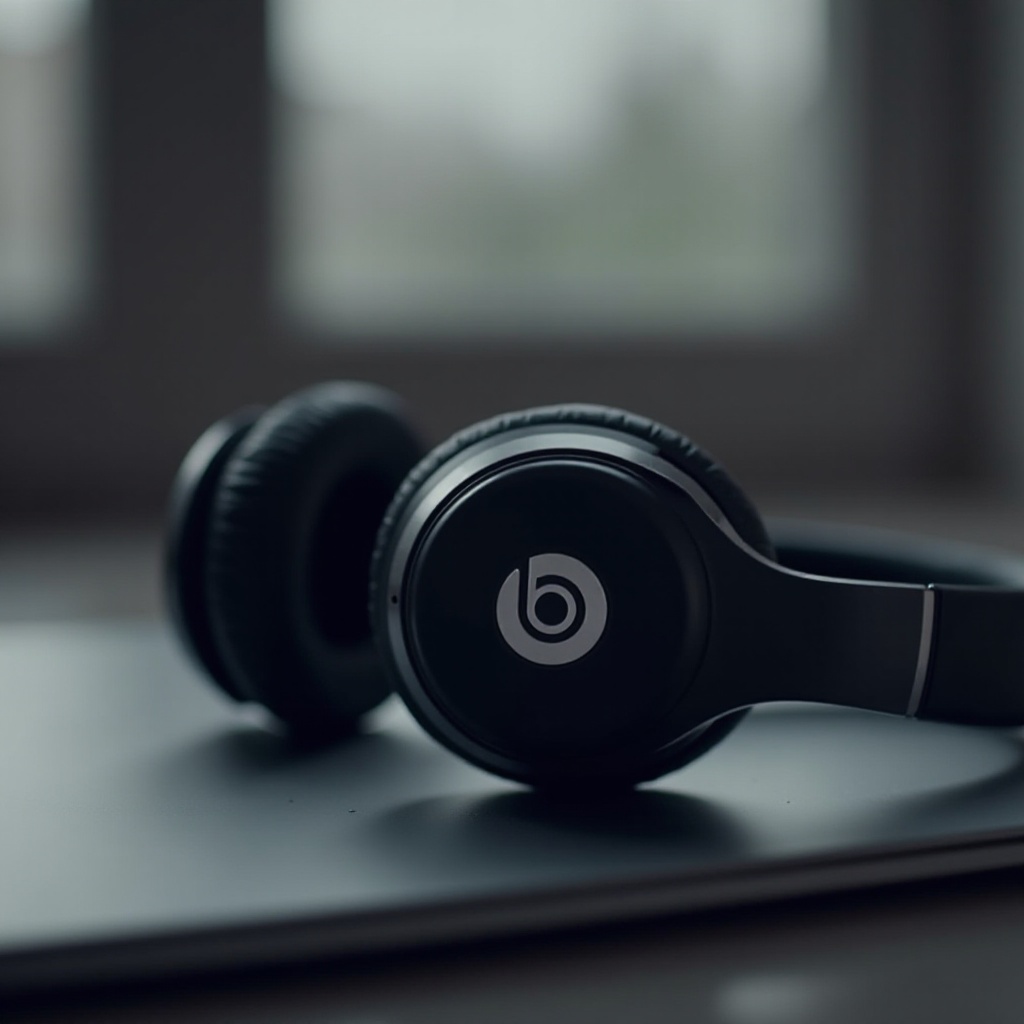
Before diving into bass enhancement, it’s crucial to understand the specific model of your Beats headphones and their unique features. Beats by Dre offers several models, each with its own characteristics and sound profiles. Here’s what to consider:
-
Different Models and Their Features: Whether you own Beats Studio, Solo, or Pro, each model offers distinctive sound profiles. The Beats Studio is known for noise cancellation, while the Solo prioritizes comfort and style. Knowing these differences is vital to tailor your bass enhancement approach.
-
Default Sound Profiles: Beats headphones naturally emphasize bass. However, the intensity varies across models and settings. Familiarity with these default profiles helps identify areas for improvement.
Understanding these fundamentals helps prepare the groundwork for making effective sound adjustments, leading you towards the next steps.
Adjusting Bass on Beats Headphones
Armed with knowledge about your headphones, you can begin adjusting the bass using built-in controls and device settings.
-
Using Built-in Controls: Many Beats models provide built-in controls to adjust volume and playback, which indirectly affects bass perception. Adjusting the volume to a comfortable level may enhance bass richness without distortion.
-
Device Sound Settings Optimization: Most devices, from smartphones to computers, include customizable sound settings. Access these settings to find an equalizer or sound profiles that boost bass frequencies. Some devices feature preset bass boost options that can be turned on for optimal effect.
After making these basic adjustments, you may observe an improved bass response. However, software tools can offer further enhancement.
Enhancing Bass with Software Tools
Software tools provide advanced options for fine-tuning your bass experience, taking adjustments beyond what’s possible with basic settings.
-
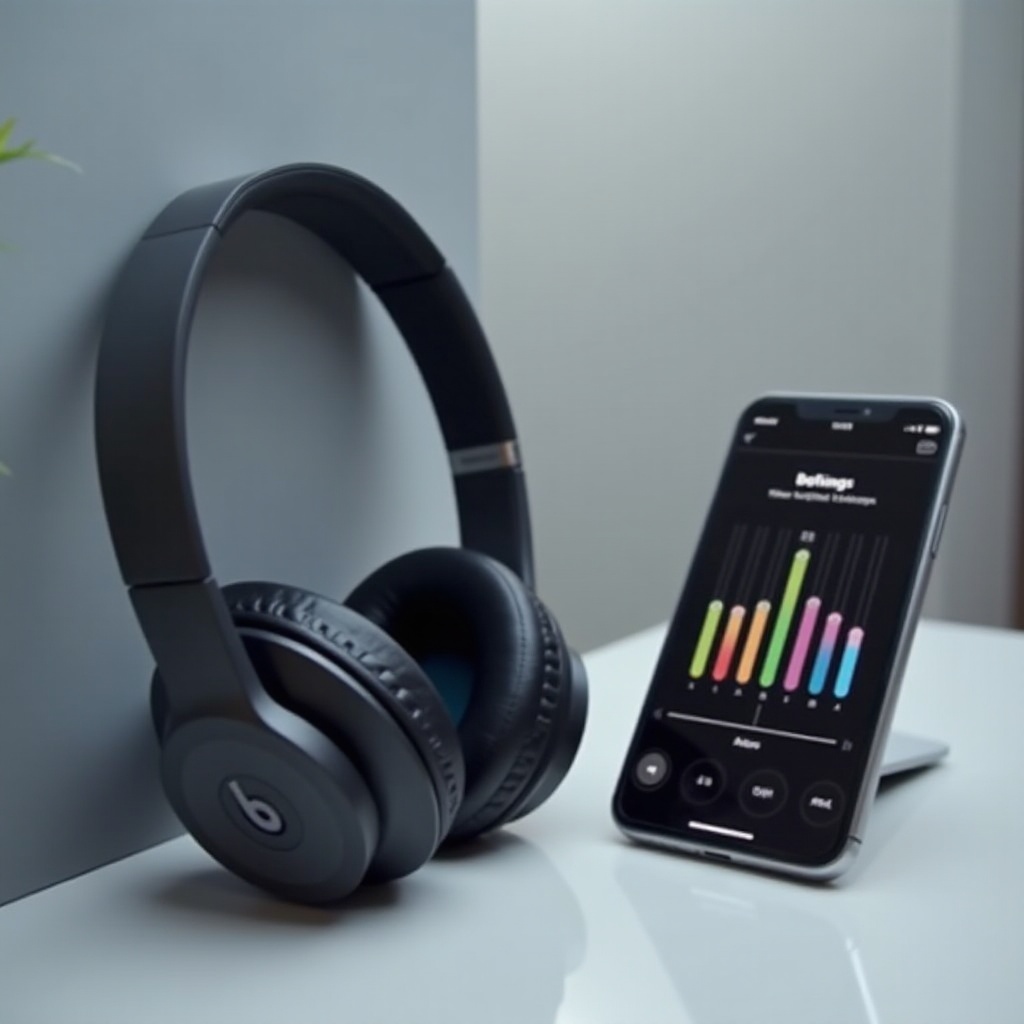
Equalizer Apps and Settings: On both iOS and Android platforms, a variety of equalizer apps are available that enable manual frequency adjustments. Choose apps with positive reviews known for boosting bass. After installation, prioritize bass frequencies by adjusting sliders in the lower range.
-
Music Streaming Service Equalizers: Many popular music streaming services, like Spotify, Apple Music, and Tidal, have built-in equalizers. Access these equalizers and select a bass-boost preset or create a custom setting that prioritizes low-end frequencies.
The right combination of app settings can create a deeper and more enveloping bass sound, simulating a live concert experience.
External Accessories for Better Bass
If software tweaks aren’t sufficient, consider external accessories for boosting bass on your Beats headphones.
-
Bass Booster Apps: Various bass booster apps are available in app stores, each offering digital enhancements for bass intensity. Select user-friendly apps that enhance bass without compromising sound integrity.
-
Using DACs and Amps: Digital-to-Analog Converters (DACs) and amplifiers significantly improve audio quality, particularly the bass. These devices convert digital signals to analog and amplify sound, enhancing clarity and depth.
Using these accessories can surpass the limitations of software and built-in settings, delivering amplified bass satisfaction.
Testing Your Audio Settings
Upon completing setup adjustments, it is vital to test the audio thoroughly to ensure the desired effects are achieved.
-
Selecting the Right Test Tracks: Choose tracks known for strong bass lines across varied genres to evaluate your adjustments. Artists synonymous with bass-heavy production, like those in hip-hop or EDM, ideally suit this purpose.
-
Incremental Adjustments for Fine-Tuning: Play these test tracks at different volumes and make incremental adjustments as needed for balanced sound. Small tweaks can have a substantial impact, so proceed patiently.
Testing ensures the bass remains harmoniously balanced without overpowering other frequencies.
Troubleshooting Common Issues
Boosting bass can sometimes prompt unexpected issues. Here’s how to troubleshoot them:
-
Sound Distortion Solutions: If distortion occurs, reduce bass frequencies slightly. Ensure all connections are secure and that your headphones are compatible with any external devices used.
-
Battery Usage Concerns: Enhanced bass can consume more battery. If depletion occurs rapidly, use moderate volume levels or connect your headphones to a power source when possible.
Resolving these issues ensures an optimal listening experience without compromise.
Conclusion
Enhancing the bass on your Beats headphones elevates your music experience, enabling you to enjoy favorite tracks to their fullest. By understanding model features and integrating both software and external accessory adjustments, you can achieve the perfect bass-heavy sound that Beats promise. Experiment with the outlined techniques and enjoy the robust, resonant bass that brings every song to life.
Frequently Asked Questions
How do I reset my Beats headphones to default settings?
To reset your Beats headphones, hold down the power button and the volume down button simultaneously for 10 seconds. Release the buttons when the LED indicator flashes, signaling a reset.
Are there specific apps recommended for boosting bass on Beats?
Yes, several apps are available like Boom, Equalizer FX, and Bass Booster Pro for enhancing bass. Choose apps that are adjustable and compatible with your device.
Can increasing bass damage my headphones?
Excessive bass can strain the headphones if played at high volumes for extended periods, potentially leading to damage. It’s advisable to adjust settings incrementally and avoid maxing out the volume to preserve headphone longevity.